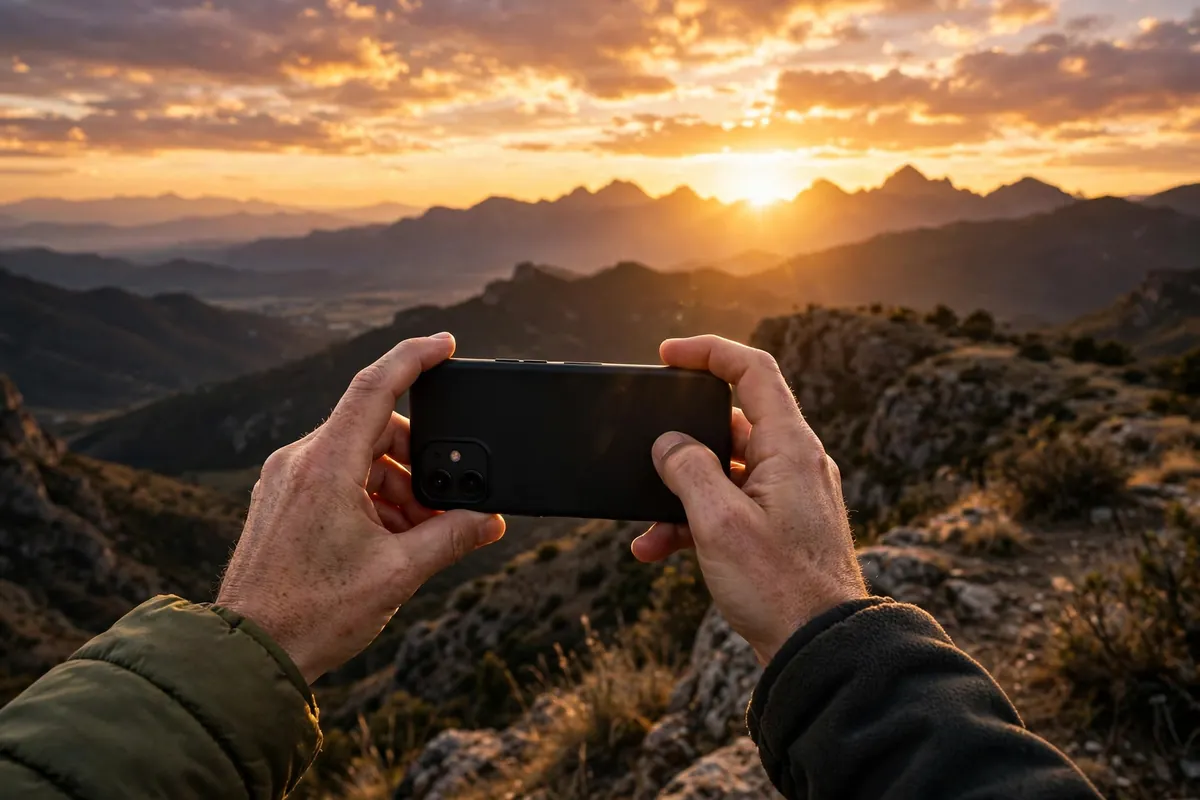
Your smartphone camera is more powerful than the professional DSLRs of a decade ago — and it is always in your pocket. These phone photography tips for beginners will help you take stunning smartphone photos without buying a single piece of gear. From mastering camera settings to composition, lighting, and editing, this guide turns casual snapshots into images worth sharing, printing, and even selling.
Phone Photography Tips for Beginners: Know Your Camera First
Before chasing advanced techniques, learn what your phone can actually do. Open your native camera app and explore every mode: photo, portrait, night, panorama, and pro/manual if available. Portrait mode creates artificial background blur (bokeh) that flatters people and products. Night mode stacks multiple exposures for dramatically cleaner low-light shots — use a steady hand or prop the phone against something solid.
Find your resolution and format settings. Shoot at the highest resolution available, and if your phone offers RAW or ProRAW capture, turn it on for images you plan to edit seriously — RAW files hold far more detail in shadows and highlights. Clean your lens with a soft cloth before every shoot; a smudged lens is the number one cause of hazy phone photos. And learn where your lenses are: most phones have wide, ultrawide, and telephoto options, each suited to different scenes. Photographers who study golden hour photography know that timing matters as much as gear — the same principle applies to your phone.
Master Composition: The Rules That Make Photos Pop
Composition separates stunning smartphone photos from forgettable snapshots more than any camera setting. Start with the rule of thirds: turn on your camera’s grid lines and place your subject along the lines or at their intersections rather than dead center. Leading lines — roads, fences, shorelines — pull the viewer’s eye into the frame. Symmetry and reflections create instantly satisfying images; get low near puddles, lakes, or polished floors.
Fill the frame with your subject to eliminate distracting backgrounds, and try unusual angles — shoot from the ground looking up or from above looking down. Leave negative space around small subjects to create a sense of scale and calm. Break these rules deliberately once you understand them, but master them first. Strong composition skills transfer everywhere: the framing instincts you build here will improve everything from engagement photoshoot trends shoots to how you document your own creative work.
Lighting: The Real Secret of Great Phone Photos
Light matters more than your phone model. The golden hour — the first hour after sunrise and the last hour before sunset — bathes everything in warm, flattering light with long soft shadows. Overcast days are nature’s softbox: clouds diffuse harsh sunlight into even, shadowless illumination perfect for portraits and detail shots.
Avoid the harsh midday sun when possible; it creates unflattering shadows and blown-out highlights. If you must shoot midday, find open shade under a tree or awning. For indoor shots, position your subject near a large window and turn off overhead lights to avoid mixed color temperatures. When shooting into the light, tap your subject on screen to set focus and exposure, then drag the exposure slider down slightly to preserve highlight detail. Understanding light deeply connects to other visual arts too — painters who study acrylic painting techniques obsess over the same light-and-shadow relationships you are learning to capture.
Focus, Exposure, and the Tap-and-Hold Trick
Your phone’s autofocus is good but not mind-reading. Always tap the screen on your subject to lock focus and exposure where you want them. Then slide your finger up or down (iOS) or use the exposure slider (Android) to brighten or darken the shot — slightly underexposing usually preserves more detail than overexposing.
For tricky scenes, use AE/AF lock: tap and hold on your subject until the lock indicator appears. This freezes focus and exposure even if you recompose the shot — essential for backlit portraits and high-contrast scenes. Burst mode (hold the shutter button) captures fast action like kids, pets, and sports; pick the sharpest frame afterward. Turn on HDR (high dynamic range) for high-contrast scenes like sunsets — it blends multiple exposures into one balanced image.
Editing Apps: Polish Your Shots Like a Pro
Every great phone photo gets edited — the goal is enhancement, not fakery. Start with the free editors built into your phone: adjust exposure, contrast, highlights, shadows, and white balance before touching anything else. Straighten horizons and crop tighter; most photos improve dramatically with a stronger crop.
When you are ready for more, Snapseed (free) offers professional-grade selective adjustments and healing tools. Lightroom Mobile (free tier) brings desktop-class color grading and presets to your phone. VSCO excels at film-like presets with tasteful restraint. Edit with a light hand: if viewers can tell a photo was heavily edited, you have gone too far. The one exception is creative experimentation — pushing colors and contrast is how you discover your style. Learning to finish images cleanly is a design skill in itself, and studying graphic design tips for beginners will sharpen your eye for color, contrast, and visual hierarchy.
7 Beginner Projects to Build Your Phone Photography Skills
1. The 30-day daily photo challenge. Shoot and post one photo every day for a month. Constraints breed creativity — you will start seeing compositions everywhere by week two.
2. Golden hour landscapes. Shoot the same location at sunrise or sunset five days in a row. Notice how changing light transforms identical scenes — this single exercise teaches more about light than any tutorial.
3. Black-and-white street week. Set your camera to monochrome and shoot your neighborhood for seven days. Removing color forces you to see light, shadow, shape, and texture.
4. The portrait series. Photograph five different people using window light and portrait mode. Directing subjects — where to look, how to stand — is a skill that only practice builds.
5. Macro and detail hunt. Get close: raindrops, textures, food, mechanical details. Most phones focus surprisingly close, and tiny worlds make compelling subjects.
6. Night photography expedition. Take your phone out after dark with night mode. City lights, neon signs, and light trails reward experimentation — bring a mini tripod or prop the phone on a wall.
7. The themed photo essay. Pick a theme — “morning rituals,” “my street,” “hands at work” — and shoot 10 related images that tell a story together. Sequencing images is the foundation of visual storytelling. Creative cross-training accelerates everything: exploring how to use Midjourney teaches you how compositions and prompts translate into imagery, while digital art for beginners and Procreate drawing tutorial resources build the same visual instincts through drawing.
Common Beginner Mistakes (and Easy Fixes)
1. Dirty lens. Wipe it before every shoot — seriously, every time.
2. Digital zoom. Pinch-zooming degrades quality badly. Move your feet closer instead, or crop afterward.
3. Shooting everything at eye level. Crouch, climb, tilt — change your viewpoint and ordinary subjects become extraordinary.
4. Ignoring the background. Before tapping the shutter, scan the edges of your frame for trash cans, poles “growing” from heads, and clutter. Move two steps and the problem usually vanishes.
5. Over-editing. Maximum clarity, saturation, and HDR on every photo looks amateur. Restraint reads as professional.
6. Never printing. Photos you print — even small 4×6 prints — teach you what actually works. A photo that sings on screen but dies on paper reveals compositional weaknesses worth fixing.
From Phone Snaps to Purposeful Photography
Phone photography tips for beginners all converge on one truth: the photographer matters more than the phone. Master light, composition, and editing, and your smartphone will produce images that rival dedicated cameras for most purposes. Keep shooting daily, study photos you admire, and print your favorites.
Photography sharpens how you see everything — and that vision feeds every other creative pursuit. Draw inspiration from how curators present work by visiting an art exhibition, notice how stylists compose rooms in living room makeover ideas features, and explore alternative photographic visions like infrared photography. Your best camera is the one in your pocket — now go use it like you mean it.