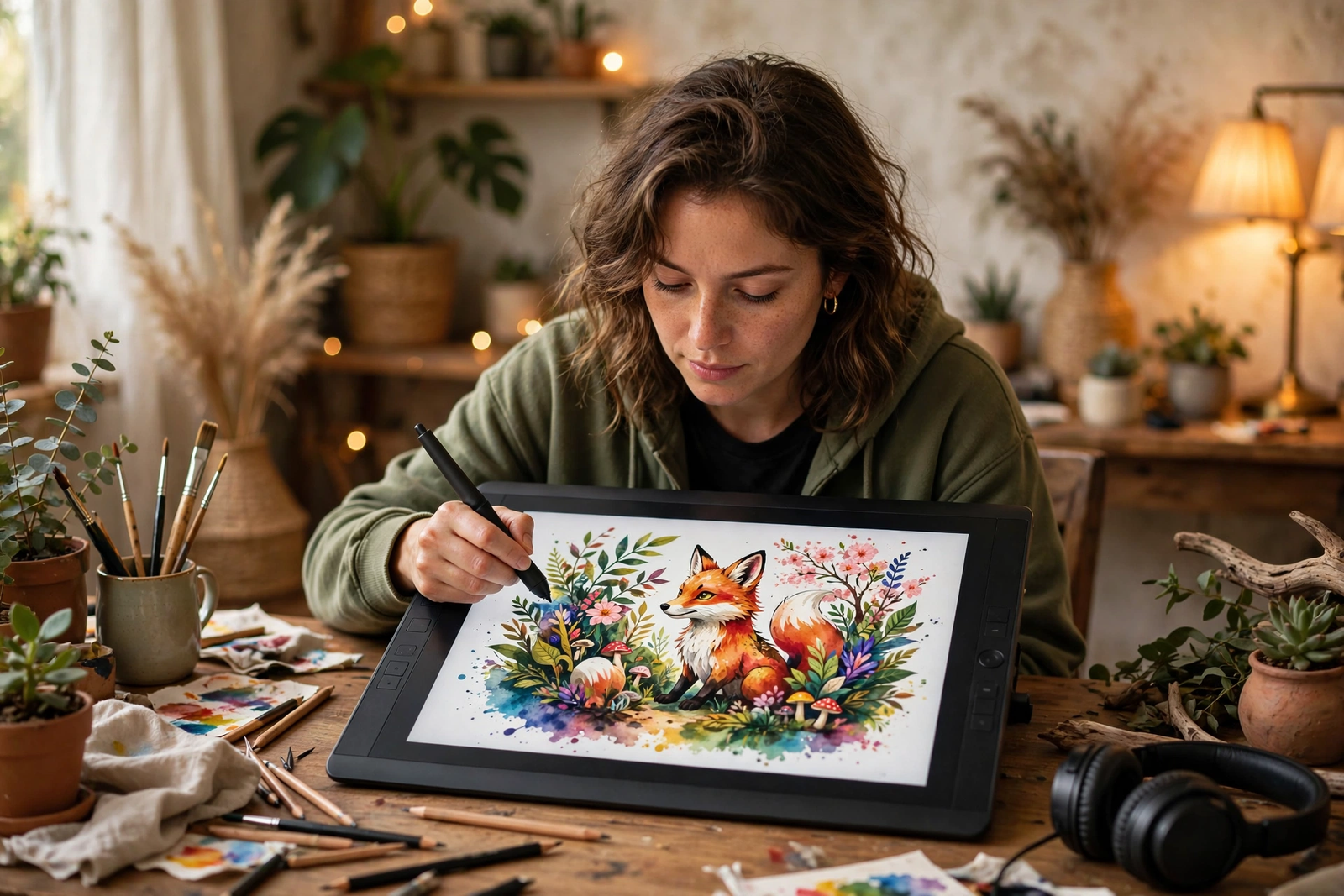
Digital art has never been more accessible. In 2026, a beginner can start creating stunning digital paintings, illustrations, and concept art with a modest tablet and affordable — even free — software. If you have ever wondered how to start digital art, this guide walks you through everything: the gear, the apps, the techniques, and the habits that turn curious beginners into confident artists.
1. Choose the Right Drawing Tablet
Your tablet is your most important investment. Beginners have two main options: screenless tablets (like the Wacom Intuos) where you draw on the pad while looking at your monitor, and pen displays where you draw directly on the screen. Screenless tablets cost less ($50–$100) and build strong hand-eye coordination; pen displays ($200–$400) feel more natural but cost more. Either works — pick what fits your budget.
2. Pick Beginner-Friendly Software
You do not need expensive subscriptions to start. Krita (free, open-source) and Medibang Paint (free) are excellent for painting and illustration. Procreate ($13, iPad only) is the favorite of countless professionals. Clip Studio Paint offers the best brush engine for the price. Download one, learn it deeply, and ignore the rest until you have a reason to switch.
3. Master the Brush Basics
Digital brushes mimic real media — oils, watercolors, pencils, inks — but with undo buttons. Start with just three: a hard round brush for sketching, a soft round brush for shading, and one textured brush for painterly effects. Learn pressure sensitivity (press harder for thicker, darker strokes) before collecting hundreds of brush packs you will never use.
4. Understand Layers
Layers are digital art’s superpower. Sketch on one layer, line art on another, colors beneath, shading on top. This separation lets you fix mistakes without destroying finished work. Name your layers, group related ones, and learn blend modes — Multiply for shadows, Overlay for glow — which create rich effects in seconds.
5. Practice Traditional Fundamentals
Digital tools do not replace art fundamentals — they amplify them. Study anatomy, perspective, light and shadow, and color theory exactly as traditional artists do. Try abstract digital art exercises to understand composition without the pressure of realism. Thirty minutes of focused gesture drawing daily beats a monthly eight-hour binge.
6. Use References Shamelessly
Every professional uses references. Photograph your own hands for poses, use your own photos as references for lighting and composition, and build a reference library of images that inspire you. Reference is not cheating — it is research. Tracing to learn is fine; tracing to claim as original is not.
7. Learn From the Graphic Design World
Digital artists who understand graphic design principles — typography, layout, color harmony — produce stronger, more professional work. Many illustrators earn income from design-adjacent gigs like book covers, social media graphics, and branding. The skills compound beautifully.
8. Join a Community
Art is solitary; learning does not have to be. Share work-in-progress shots in fan art communities, Discord servers, and critique forums. Participate in monthly challenges like Inktober or Mermay. Feedback from fellow artists — and the accountability of an audience — will push your growth faster than any tutorial.
9. Print and Share Your Work
Digital art does not have to stay digital. Learning the basics of printing your digital art opens up stickers, prints, and portfolio pieces. Calibrate your monitor, use the right color profiles, and order a test print before committing to a batch. Holding your art in your hands is pure motivation.
10. Build a Daily Drawing Habit
Motivation gets you started; habit keeps you going. Commit to just 20 minutes a day — small enough to fit any schedule, consistent enough to compound. Keep your tablet charged and your app open so there is zero friction between intention and action. Track your streak on a calendar; watching the chain grow is powerfully motivating. On low-energy days, do easy studies or color experiments instead of ambitious pieces. The goal is showing up, not masterpieces.
Bonus: Essential Accessories Worth Buying
Beyond the tablet itself, three affordable accessories transform the experience. A matte screen protector adds paper-like tooth and cuts glare. A two-finger drawing glove prevents palm smudges and helps your hand glide smoothly. And a desk lamp with adjustable color temperature keeps your colors accurate during late-night sessions. None of these cost much, but together they make digital drawing feel professional from day one.
Common Beginner Mistakes to Avoid
Zooming in too far (work at 50–100% zoom for true proportions), over-blending everything into mud, neglecting to flip the canvas horizontally to spot errors, and comparing your month-one work to someone’s year-ten portfolio. Every artist you admire was once exactly where you are.
Starting digital art in 2026 is the best decision a creative person can make. The tools are affordable, the teachers are everywhere, and the only real requirement is showing up to draw. Your first hundred pieces will be rough — make them anyway. Piece one hundred and one is where the magic starts. Save this guide, share it with a friend who wants to begin, and pick up your stylus today.