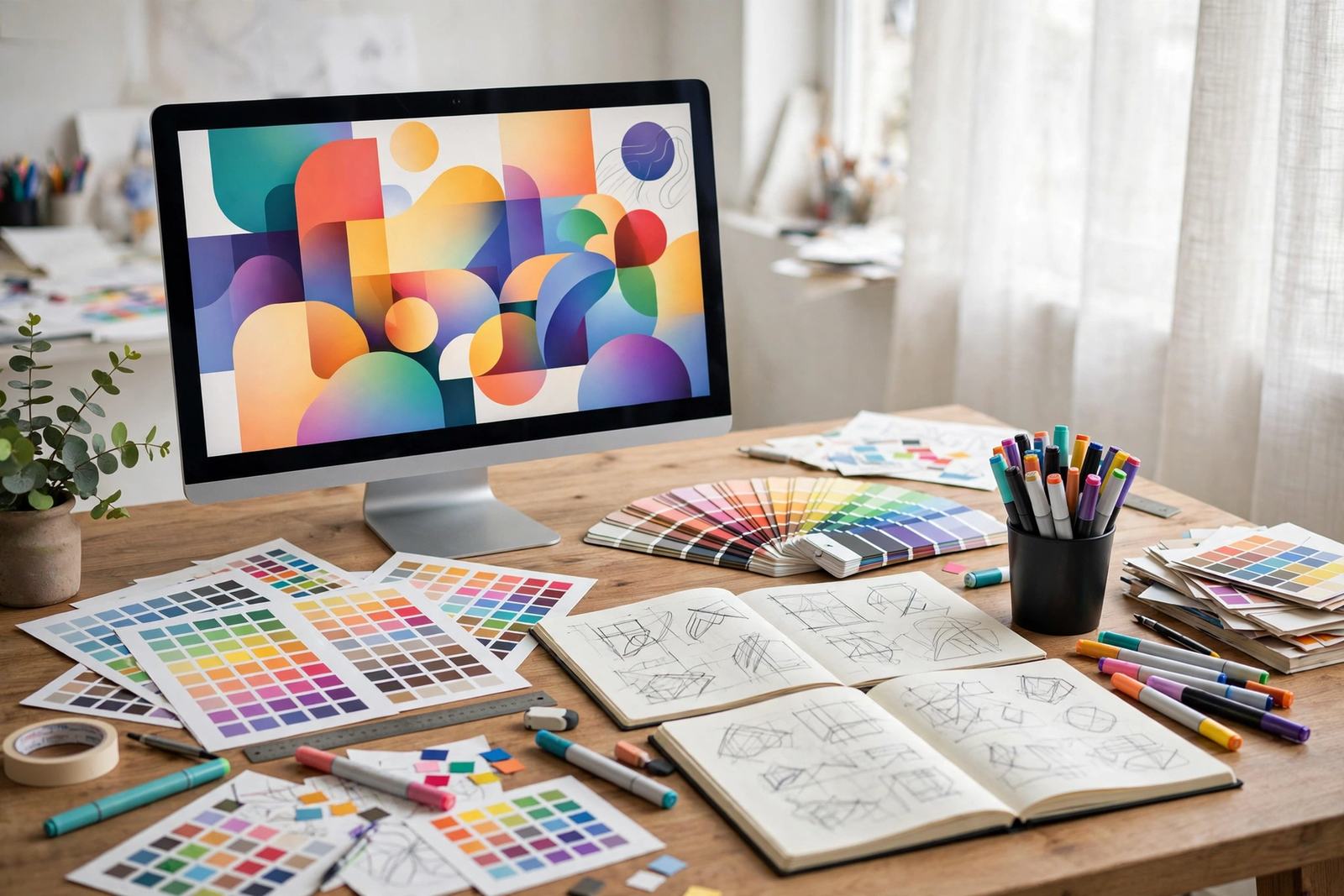
Graphic design is everywhere — the app icons on your phone, the packaging of your morning coffee, the posters for your favorite concerts. In 2026, with powerful free tools and endless tutorials, there has never been a better time to start learning. These 15 graphic design tips for beginners will help you skip the most common mistakes and build real skills fast.
1. Start With Typography
Type is the backbone of graphic design. Before you touch color or imagery, learn the difference between serif and sans-serif fonts, how to pair two complementary typefaces, and why line spacing matters. Limit yourself to two fonts per project while you are learning — restraint builds taste.
2. Limit Your Palette to Three Colors
Beginners often use too many colors. Pick one dominant color, one secondary, and one accent — then stick to them. If your work will ever be printed, spend time understanding color in print so the vivid hues on your screen survive the journey to paper.
3. Embrace White Space
Empty space is not wasted space. Generous margins and breathing room around elements make designs feel premium and guide the viewer’s eye. When in doubt, add more space — crowded layouts are the clearest sign of a beginner.
4. Use a Grid for Every Layout
Grids are the invisible scaffolding behind professional design. Even a simple two- or three-column grid will make your posters, social graphics, and web layouts feel instantly more organized. Most design tools have built-in grid and guide features — turn them on.
5. Learn One Tool Deeply
Do not bounce between ten apps. Pick one — Figma, Canva, Adobe Express, or Affinity — and learn it properly. Free tools in 2026 are remarkably capable, and the fundamentals transfer when you eventually move to professional software.
6. Study Design Beyond Design
The best inspiration often comes from outside graphic design. Study fashion design — the rhythm, proportion, and color stories on the runway translate directly to the page. Architecture, film titles, and album covers are all masterclasses waiting to happen.
7. Practice With Real Briefs
Redesign the poster for your favorite movie, create a logo for an imaginary coffee shop, or make social graphics for a local charity. Better yet, share practice pieces in fan art communities and design forums — real feedback accelerates learning like nothing else.
8. Get Feedback Early and Often
Do not design in a vacuum. Post work-in-progress shots, ask specific questions (“Is the headline readable?” beats “What do you think?”), and learn to separate useful critique from personal taste. Thick skin is a design skill too.
9. Master Alignment
Nothing screams amateur like almost-aligned elements. Use your software’s alignment tools obsessively — left edges, centers, and baselines should line up precisely. Zoom in to 200% and check. Your viewers will feel the difference even if they cannot name it.
10. Choose Images Deliberately
One strong image beats five mediocre ones. Learn basic photo selection: sharp focus, good lighting, and emotional resonance with your message. Great designers study photography too — even experimental forms like infrared photography teach you to see light and composition differently.
11. Learn Basic Color Theory
Understand the color wheel: complementary pairs for energy, analogous schemes for harmony, and the 60-30-10 rule for balance. Free online palette generators can suggest combinations, but knowing why they work makes you faster and more confident.
12. Keep Your Files Organized
Name layers, group elements, and version your files (project-v1, project-v2). This habit feels tedious until the day a client asks for “the version from Tuesday” — then it feels like a superpower.
13. Design for the Medium
A billboard, an Instagram story, and a business card have completely different constraints. Always design at the right dimensions, check readability at actual size, and remember that most digital work will be seen first on a phone screen.
14. Study Abstract Composition
Want to understand balance, tension, and movement without the distraction of subject matter? Study abstract art compositions. The way abstract painters distribute visual weight is a masterclass you can apply to any layout.
15. Build a Portfolio From Day One
Save everything — even the early rough work. A portfolio of ten strong pieces beats a résumé every time. Free portfolio sites let you publish in an afternoon, and watching your own progress is the best motivation to keep going.
Bonus: Free Resources to Keep Learning
You do not need an expensive degree to become a designer. Video tutorials, free courses from major platforms, and design blogs offer world-class instruction at no cost. Join a local design meetup or an online community to find mentors, and volunteer your skills for nonprofits — real client work, even unpaid, teaches you about deadlines, revisions, and communication. The designers thriving in 2026 are the ones who never stopped being students.
These graphic design tips for beginners share one theme: fundamentals beat tricks. Master type, color, space, and alignment, and the flashy techniques will come naturally. Start your first project today — your future designer self will thank you.